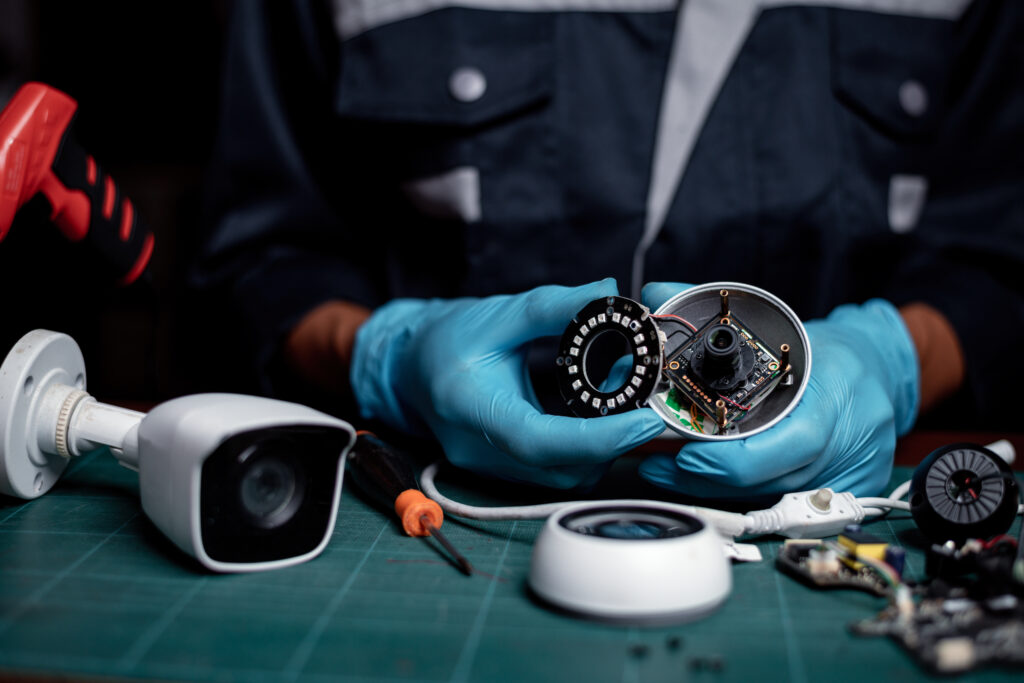
A CCTV system can help protect your business, but installing cameras is only the first step. Cameras need to capture clear images, recording equipment must save footage correctly, and remote access should work when you need it.
For businesses in Dubai, regular maintenance is particularly important. Dust, heat, humidity and continuous equipment use can affect cameras and other surveillance components over time.
Whether you manage an office, retail shop, warehouse or commercial property, a simple maintenance routine can help identify problems early and keep your security system working as expected.
Why CCTV Maintenance Matters for Dubai Businesses
Many businesses assume their CCTV system is working because the cameras appear online. However, a camera can display a live picture while the recorder fails to save footage. Other problems, such as dirty lenses, incorrect camera angles or poor nighttime visibility, can go unnoticed for weeks.
Regular CCTV maintenance helps businesses check that cameras, recording devices, storage and network connections are functioning properly.
It can help you:
- Identify camera faults before they affect important areas.
- Maintain clear footage during the day and at night.
- Detect recording and storage problems early.
- Reduce unexpected equipment failures.
- Check remote viewing and system access.
- Extend the useful life of existing equipment.
Maintenance cannot prevent every fault, but it can reduce avoidable problems and help you respond sooner when something goes wrong.
Common CCTV Problems Businesses Should Watch For
Understanding the warning signs makes it easier to identify when your surveillance system needs attention.
Dirty Camera Lenses and Poor Image Quality
Dust, dirt and water marks can reduce image clarity, particularly on outdoor cameras. A camera may still be recording, but the footage might not show enough detail to identify a person or vehicle clearly.
Inspect the lenses and protective covers regularly. Clean them using suitable materials recommended by the manufacturer, and check that nearby objects have not started blocking the camera’s view.
Cameras That Stop Recording
One of the most important maintenance checks is confirming that footage is actually being saved.
Recording problems can result from a failing hard drive, insufficient storage, incorrect recording schedules, disconnected cameras or recorder faults.
Check the playback function rather than relying only on the live camera view. Review footage from different cameras and dates to confirm that recordings are available.
Unstable Network Connections
IP cameras rely on network connectivity to communicate with recording equipment and other devices. Loose cables, faulty network switches, damaged connectors or configuration problems can cause cameras to disconnect intermittently.
If cameras repeatedly go offline, inspect the relevant connections and network equipment. For larger installations, professional networking solutions in Dubai can help address underlying connectivity issues.
Poor Nighttime Visibility
A camera that performs well during daylight may produce unclear footage at night. Dirty lenses, unsuitable positioning, nearby lighting and infrared reflection can all affect nighttime images.
Review footage captured after dark, especially around entrances, parking areas and loading bays. Adjustments to camera positioning or lighting may be needed if important details are difficult to see.
Power Supply and Equipment Problems
Faulty power adapters, damaged cables, PoE switches and backup power equipment can interrupt surveillance across one or more cameras.
Check for unexpected restarts, repeated disconnections and warning indicators on the equipment. Any electrical inspection or repair should be handled by a suitably qualified technician.
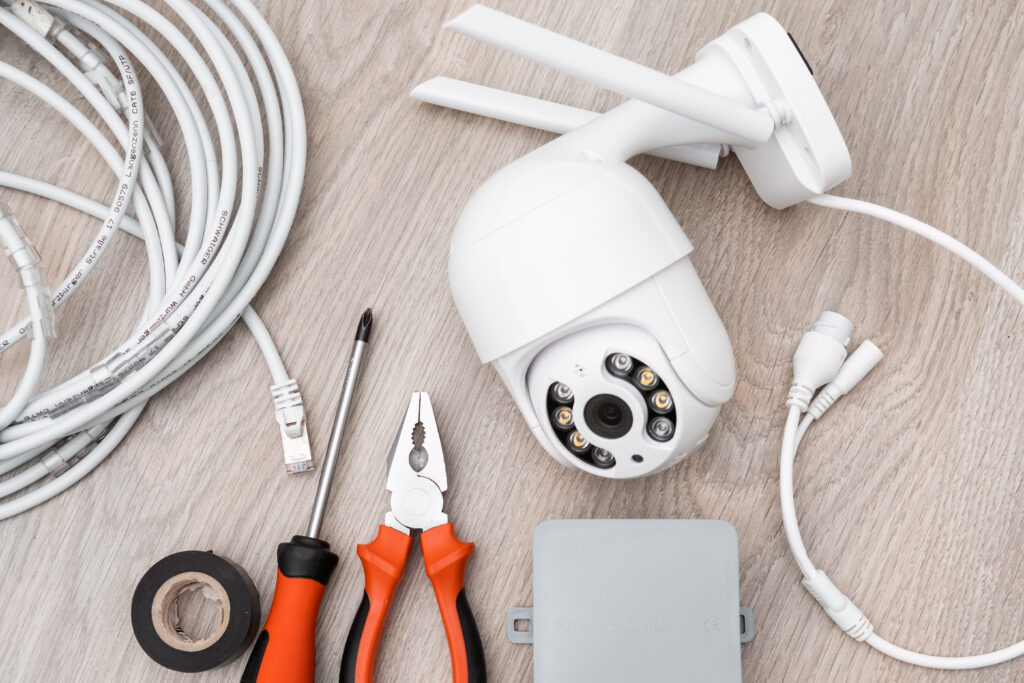
What Should a Professional CCTV Maintenance Visit Include?
A maintenance visit should cover the entire surveillance system, not just the cameras mounted on walls or ceilings.
Camera Inspection and Cleaning
Each camera should be checked for visible damage, image clarity, focus, positioning and obstructions. Outdoor cameras may need additional attention because of their exposure to environmental conditions.
DVR and NVR Checks
The recorder should be checked for operating status, camera connections, recording schedules, date and time accuracy, and available system alerts.
A DVR is generally used with traditional analog camera systems, while an NVR is commonly used with IP cameras.
Recording and Storage Verification
Review the recording status and test playback from selected cameras. Check storage health, available capacity and retention settings to make sure footage is being saved as intended.
The required retention period should be confirmed against the business’s operational and applicable legal requirements.
Network and Cable Inspection
Check relevant network connections, camera cables and equipment for signs of damage or intermittent connectivity. IP camera systems should also be reviewed for recurring disconnections.
Remote Viewing and Access Checks
If staff access cameras through a mobile app or computer, test that the feature works correctly. Review user accounts and access permissions, remove access that is no longer needed, and make sure remote access is configured securely.
Maintenance Findings and Recommendations
A useful maintenance report should identify the equipment checked, any faults discovered, corrective work completed and any outstanding recommendations.
This gives business owners a clearer picture of the system’s condition and helps them plan repairs or upgrades.
How Often Should CCTV Systems Be Maintained?
For many business installations, a maintenance visit every three to six months is a reasonable starting point. However, the ideal schedule depends on the environment and how heavily the system is used.
- Offices and small shops: Periodic checks every three to six months may be suitable.
- Warehouses and outdoor locations: More frequent inspections may be needed where cameras are exposed to dust, heat or demanding operating conditions.
- High-traffic commercial properties: Regular checks can help identify faults caused by continuous use and changing site conditions.
- Critical surveillance systems: A more frequent maintenance schedule may be appropriate where uninterrupted recording is especially important.
These are general guidelines, not fixed rules. Follow manufacturer recommendations and adjust the schedule according to the system’s condition, operating environment and business requirements.
CCTV Maintenance Checklist for Business Owners
Use this checklist to carry out basic visual and operational checks between professional maintenance visits.
- Check that all cameras show a live picture.
- Inspect lenses and camera covers for dust or obstruction.
- Review recorded footage from selected cameras.
- Check for camera offline alerts and recurring errors.
- Review storage status and recording schedules.
- Test nighttime footage where applicable.
- Confirm that remote viewing works for authorised users.
- Look for visible cable damage or loose connections.
- Record faults and arrange repairs where necessary.
Avoid opening electrical equipment or changing advanced system settings unless you have the appropriate training and authorisation.
When Should You Repair or Upgrade Your CCTV System?
Routine maintenance can resolve some problems, but repeated faults may indicate that a component needs repair or replacement.
Consider a professional assessment if you notice cameras repeatedly disconnecting, missing recordings, poor image quality, unreliable remote access or insufficient storage.
An upgrade may be worth considering if the existing system cannot provide the coverage, image quality, storage capacity or security controls your business requires.
If you need a new system or a replacement for outdated equipment, explore our CCTV installation services in Dubai.
The right decision depends on the condition of the existing equipment. Replacing an entire system is not always necessary when a targeted repair or configuration change can solve the problem.
Keep Your CCTV System Ready When It Matters
CCTV maintenance is about more than keeping cameras clean. It means checking that the entire system captures, stores and provides access to usable footage when required.
A consistent maintenance schedule can help Dubai businesses identify faults earlier, reduce avoidable downtime and make better use of their existing security equipment.
If your cameras need attention or your business requires a regular maintenance plan, contact UKITS Technologies to discuss your CCTV system and the support you need.
Frequently Asked Questions
A three- to six-month maintenance schedule is a useful starting point for many businesses. Outdoor conditions, operating hours, equipment condition and security requirements may call for more frequent checks.
Yes. Camera lenses and protective covers should be inspected and cleaned using suitable methods. A complete maintenance visit should also check recording, storage, connectivity and other system components.
Possible causes include a storage drive problem, incorrect recording settings, recorder faults or connectivity issues. Check playback and recording status, then arrange technical support if the problem continues.
Yes. Undetected storage failures, recording configuration problems and equipment faults can result in missing footage. Regular recording and playback checks help identify these issues earlier, although maintenance cannot guarantee that footage will never be lost.
It can help identify problems caused by dirty lenses, unsuitable camera positioning, lighting conditions or equipment faults. If the camera itself is unsuitable for the location, replacement or additional lighting may be necessary.
Repair may be appropriate when the fault is limited to a replaceable component or configuration issue. Replacement may be more practical when the system is unreliable, lacks required features or cannot meet your current surveillance needs.
An annual maintenance contract can be useful for businesses that want scheduled inspections and an agreed support arrangement. The scope, visit frequency, response times, exclusions and repair charges should be confirmed before signing.
UKITS provides CCTV-related services for residential and commercial properties. Contact the team to discuss your existing equipment, reported faults and maintenance requirements.