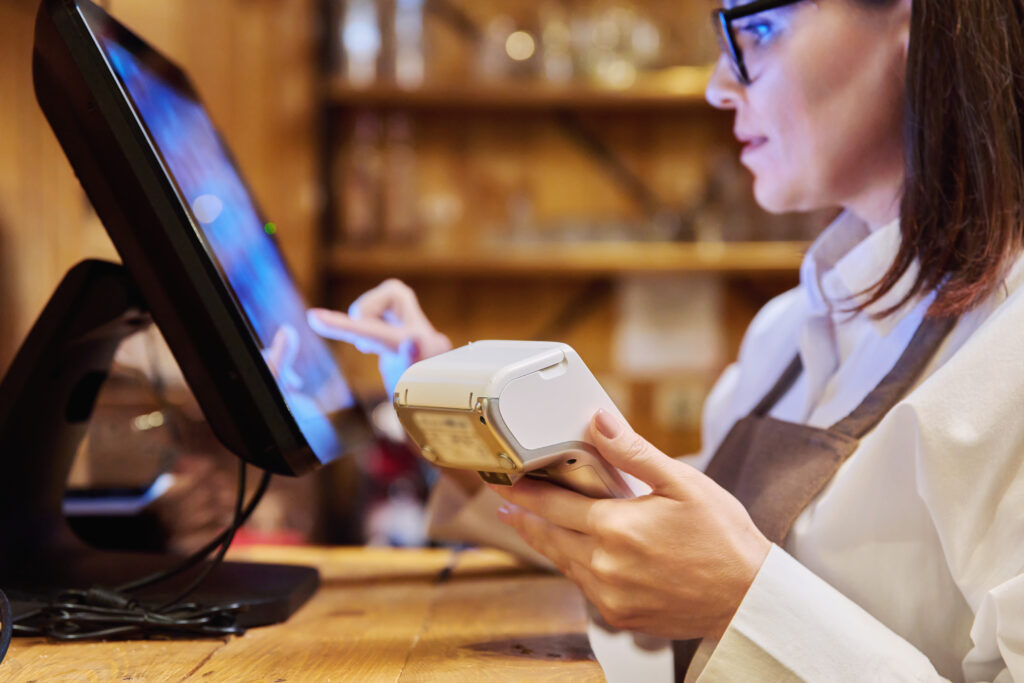

Stock losses rarely come from one big event. They build up from small gaps: a delivery counted wrongly, a return that was never recorded, a slow-moving line that keeps being reordered. A POS system that tracks inventory closes many of those gaps, provided it is set up and used consistently.
Where stock losses come from
- Counting and data-entry mistakes when stock arrives or is sold.
- Returns, damaged goods and wastage that are never written down.
- Theft and unrecorded discounts or voids.
- Over-ordering slow sellers, which ties up cash.
- Running out of fast sellers, which loses sales.
What POS inventory features can do
Update stock at every sale
When each sale is rung up, quantities adjust automatically, so the system count stays close to what is on the shelf.
Compare system and physical counts
Regular stock takes against the system show differences early, while there is still a chance to find the cause, such as a mis-scanned item, a missed delivery or a till error.
Show what sells and what does not
Sales reports by product and period show slow movers tying up cash and fast sellers at risk of running out.
Prompt reorders
Low-stock alerts remind staff to reorder before a bestseller runs out.
Record returns, damages and wastage
If these are entered with a reason, the numbers explain where stock went. For restaurants and cafes, wastage reports can be where the first savings show up.
Getting it right in practice
- Start with an accurate opening count and consistent barcodes or product codes.
- Receive deliveries through the system so purchase quantities match what actually arrives.
- Count one category a week instead of relying on one large annual stock take.
- Limit who can adjust stock, and require a reason for every adjustment.
- Train every shift, including part-timers. One person bypassing the system undermines the numbers for everyone.
What to look for when choosing a system
Ask whether the POS supports barcode scanning, multiple locations, supplier and purchase records, stock adjustments with reasons and exportable reports. If you use accounting software, check the accounting integration options too. Our POS systems page explains what we set up for retail and restaurants, and the restaurant POS guide covers kitchen and table workflows.
Frequently Asked Questions
They can update quantities on each sale and return, but deliveries, damages and adjustments still need to be entered. Automation keeps the count accurate only if the inputs are.
Many can show stock and sales per location and transfer stock between them. Confirm exactly what your shortlisted systems support before you buy.